Home › Unity tools › zCache
zCache - Object Pooling
Replace Instantiate/Destroy with a reusable pool: multiple prefab types, prewarming, automatic expansion, reset on reuse, zero-GC reuse. Drop in, call ActivateFromPool, done.
On the Asset Store Version 1.1.0 on the store; 1.2.0 is submitted and in review.
What it does
Every project that fires projectiles, spawns enemies or shows impact effects pays twice for each object: once to instantiate it and once for the garbage collector to clean it up. Both are a common cause of micro-stutter, and on 144 Hz screens and mobile phones players notice.
zCache replaces that churn with a pool. Objects you are done with are returned, not destroyed, and the next request reuses them. The pool handles many prefab types at once, so one module covers your bullets, your monsters and your explosions without rewriting any pooling logic.
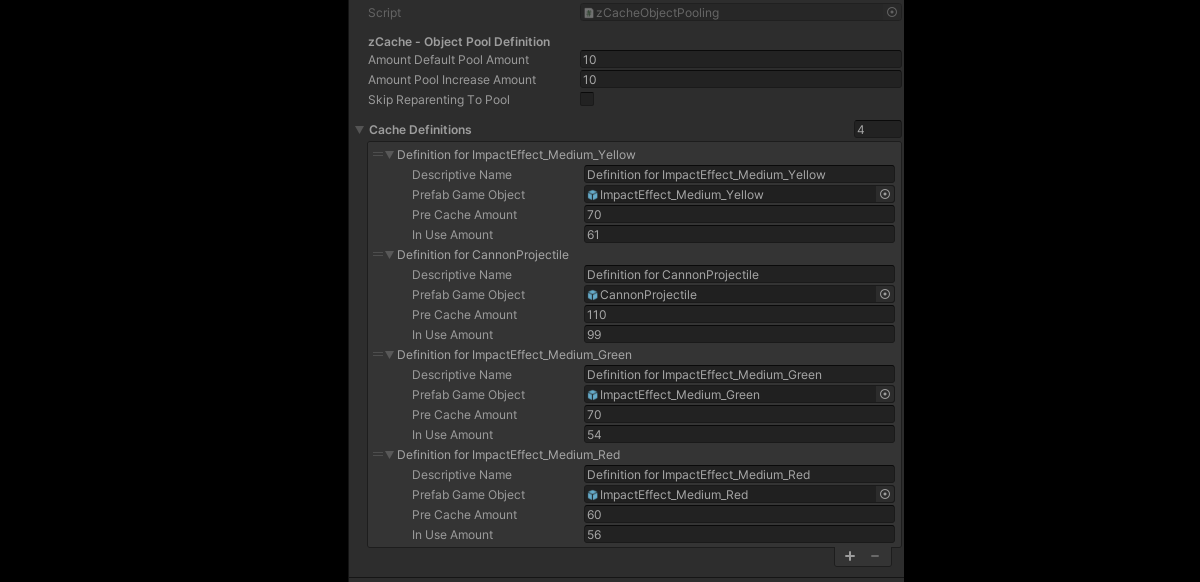
How it is used. Pre-list the prefabs you know about on the zCache prefab with an initial amount, and the pool is populated when the scene starts. Ask for anything else at runtime and a pool is created for it on the fly, so a new effect never needs configuration to work. Request an instance with one call, zCacheObjectPooling.ActivateFromPool(prefab, position, rotation), and hand it back with one call when you are finished, or drop the included time-to-live script on effect prefabs and they return themselves. Pooled objects carry a small tracking component that knows which pool they belong to, so returning is a direct operation, no lookup.
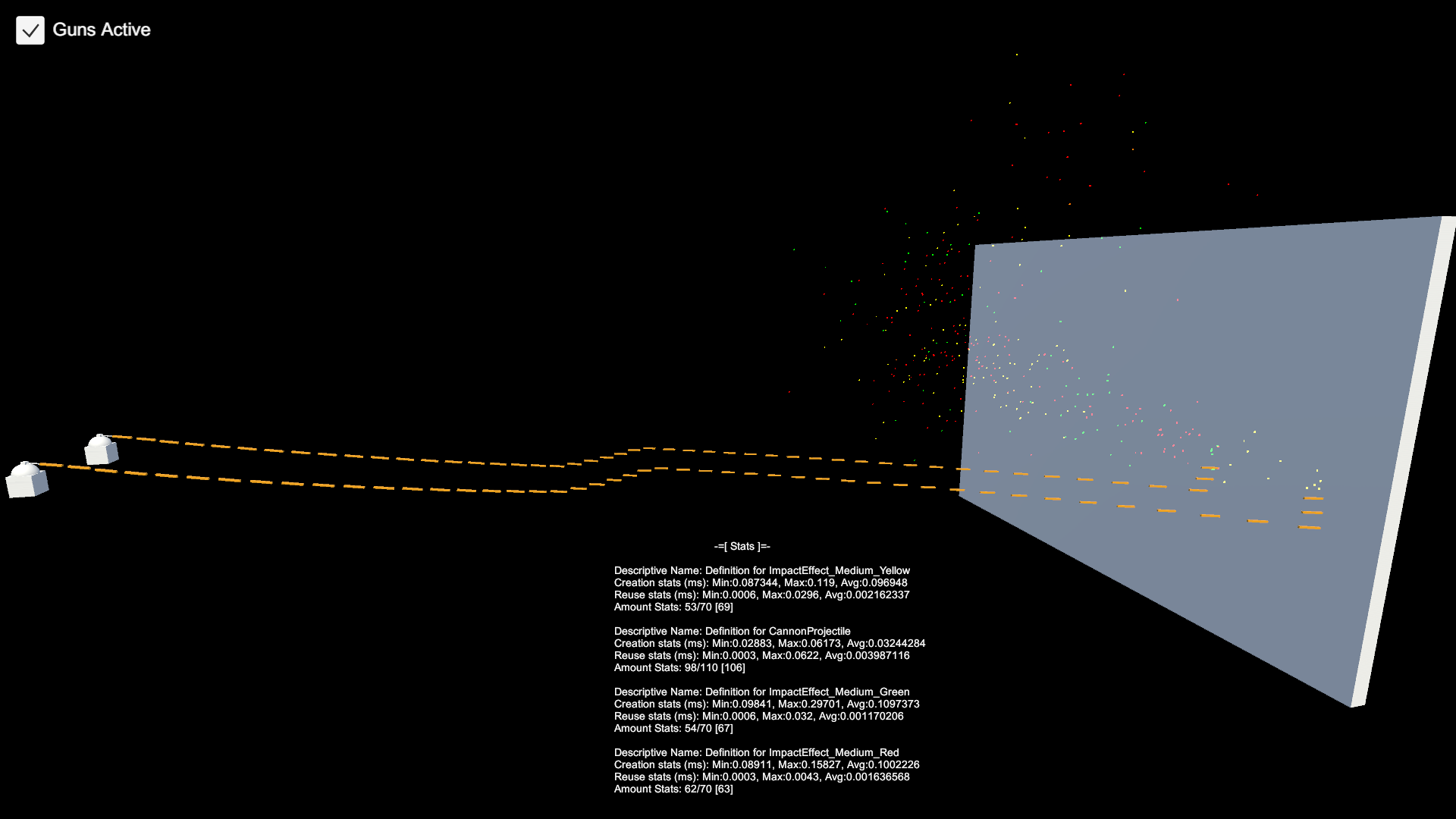
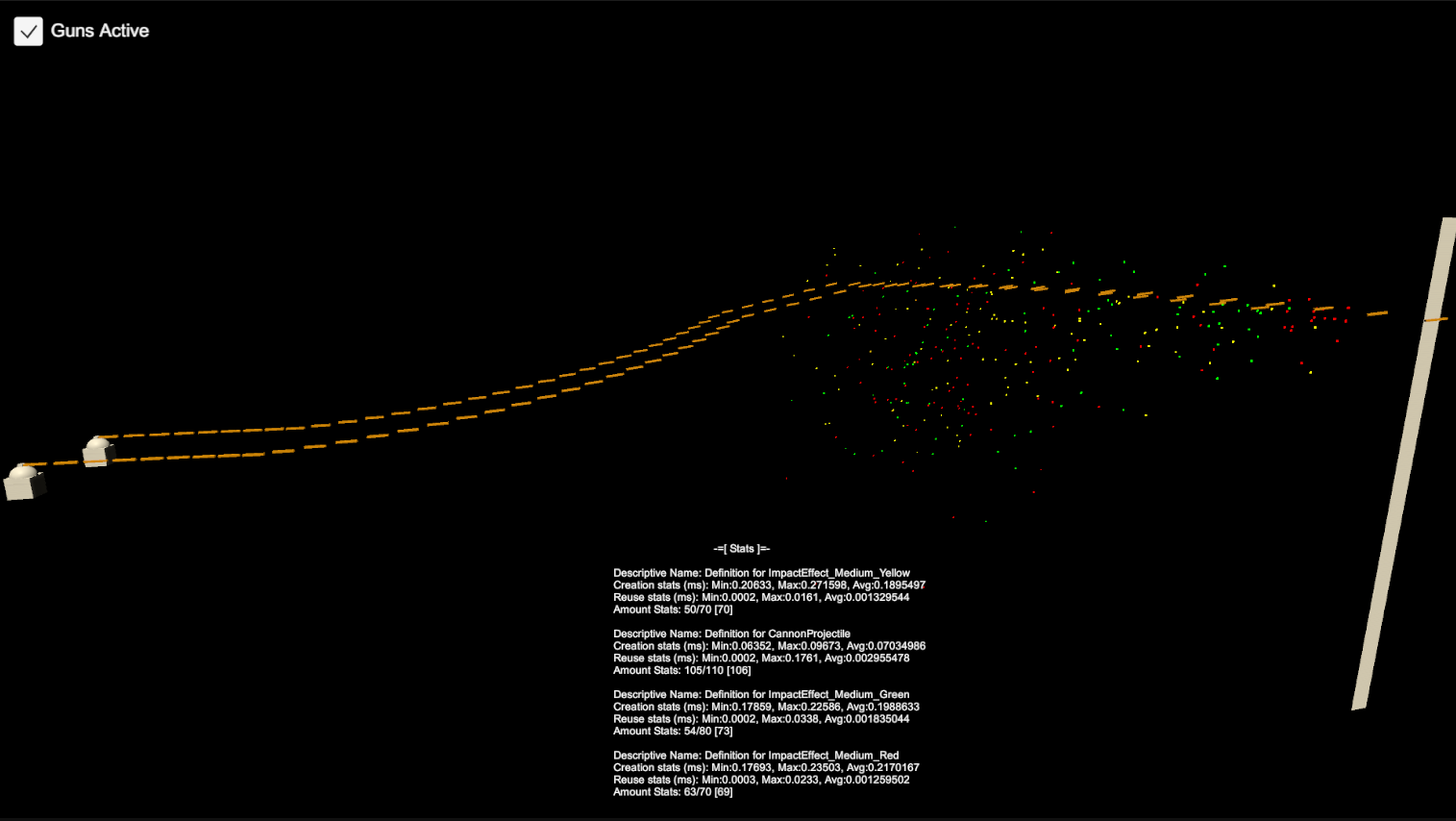
Tuning without guesswork. Run the scene, then copy the live pool configuration from the component and paste it back in edit mode: your pre-cache amounts now match what the game actually used. A statistics overlay prefab shows pools, cached counts and in-use counts in the game view while you balance them.
Mobile. A "skip reparenting" option keeps returned objects at the scene root instead of moving them in the hierarchy, for devices where transform moves are measurable.
Built for and used in the author's own strategy game. Pipeline-independent: pure C#, no rendering code, works with Built-in, URP and HDRP.
Key features
- Multiple prefab/object types in one pool system
- Initial prewarming per prefab, with amounts you set or copy from a live run
- Get/activate with position and rotation in one call; return with one call
- Automatic pool creation at runtime for prefabs you did not pre-list
- Dynamic expansion when a pool runs dry, with a configurable step
- Proper activation and deactivation; tracking component on every pooled object
- Time-to-live helper script for effects that should return themselves
- Statistics overlay prefab for the game view; live counts in the inspector
- Mobile option to avoid hierarchy reparenting
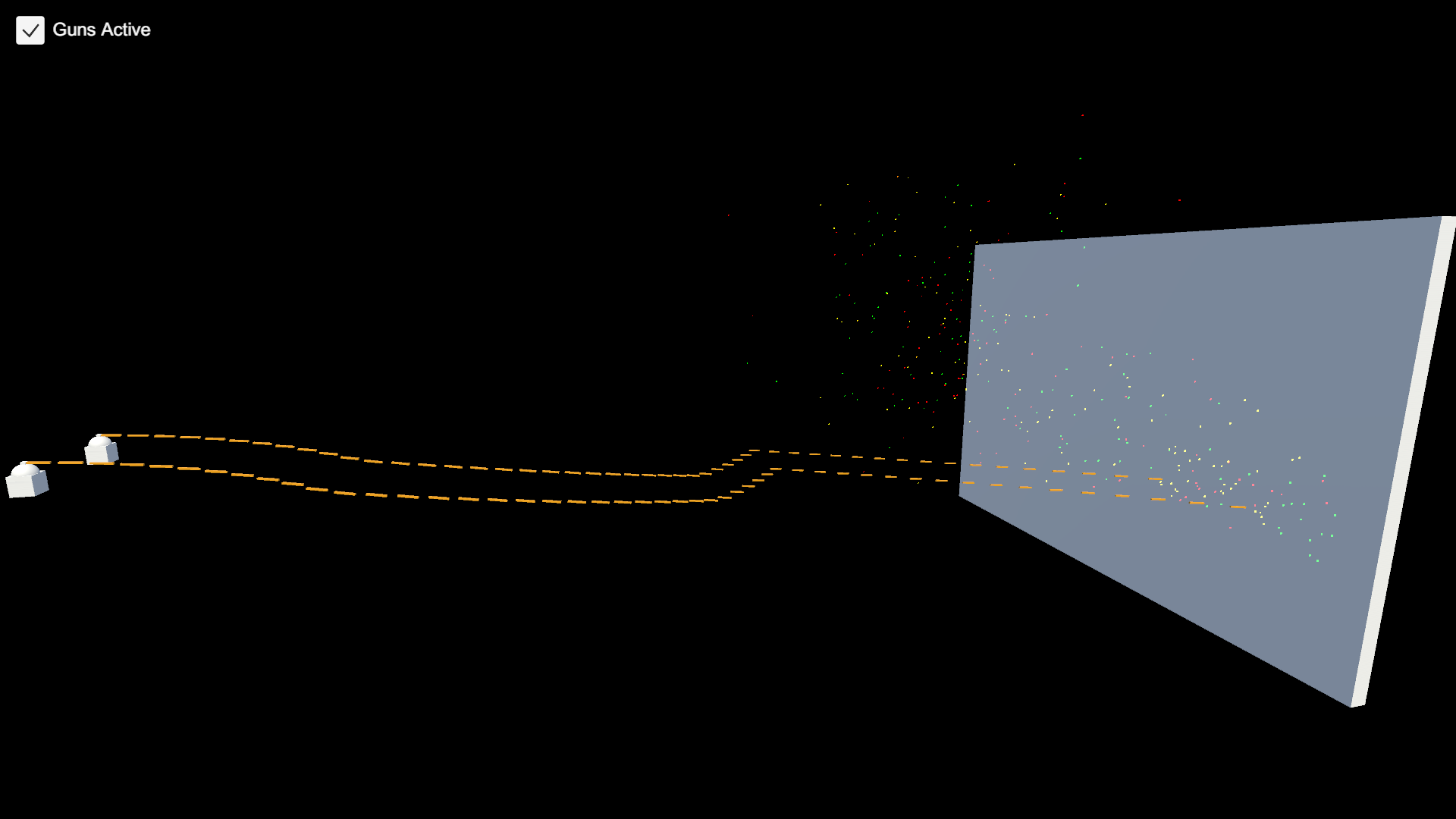
- Demo scene with gun, projectiles and impact effects
- Built-in, URP and HDRP compatible (no render-pipeline code)
Screenshots
Technical details
C# only: two runtime components and one optional helper script, source included. Unity 6.3 LTS (6000.3) and newer. No dependencies, no DOTS/ECS requirement. Documentation PDF and commented demo scene included.
| Built-in RP | URP | HDRP | Minimum Unity | Price |
|---|---|---|---|---|
| yes | yes | yes | 6000.3 | 12.99 USD |
Release notes
1.2.0 2026-10
- Built and verified on Unity 6.3 LTS (6000.3). Minimum Unity version is now 6000.3.
- Built-in, URP and HDRP: the package has no render code; verified in a URP project as well.
- Project dependencies cleaned up (TextMesh Pro is no longer a separate package).
- Documentation: new section "Pool an existing object type in five lines"; PDF refreshed (version 1.2.0, support links updated); this changelog added.
- No API changes. Existing integrations keep working.
1.1.0 2023-02
- Previous release on Unity 2020.3.
Documentation and support
- Documentation (PDF), the manual that ships inside the package
- Questions and bug reports: community forum or Discord
- E-mail: contact@digitalsoftware.se
- Asset Store listing
Guides
- Unity stutter from Instantiate and Destroy: when pooling is the fix: What Instantiate and Destroy cost in Unity, how to confirm with the Profiler that pooling is the fix, and how to use ObjectPool<T> without the usual bugs.
Other packages from Digital Software
- zFPS Pro
- Static State Auditor (coming soon)
- Static State Auditor Pro (coming soon)
- Ship It (coming soon)
- Dedicated Server Build Button (coming soon)
- Bug Capsule (coming soon)
- Fast RTS Minimap
- zFPS
- zASCII
Page generated 2026-10-29 from the package's store copy and changelog (version 1.2.0).