Home › Unity tools › Fast RTS Minimap
Fast RTS Minimap
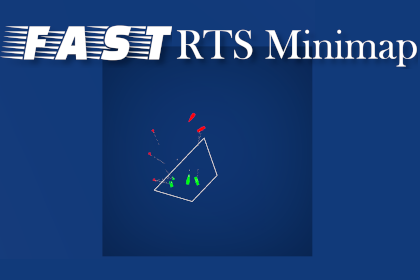
A real-time minimap for strategy and tactics games: tag-based colour schemes, per-prefab icons, any map size or shape, register a unit with one script or one line of code.
On the Asset Store Version 1.3.
What it does
A minimap is one of those features every strategy game needs and nobody wants to write twice. Fast RTS Minimap is the minimap from the author's own RTS, packaged so a beginner can drop it in and a programmer can bend it.
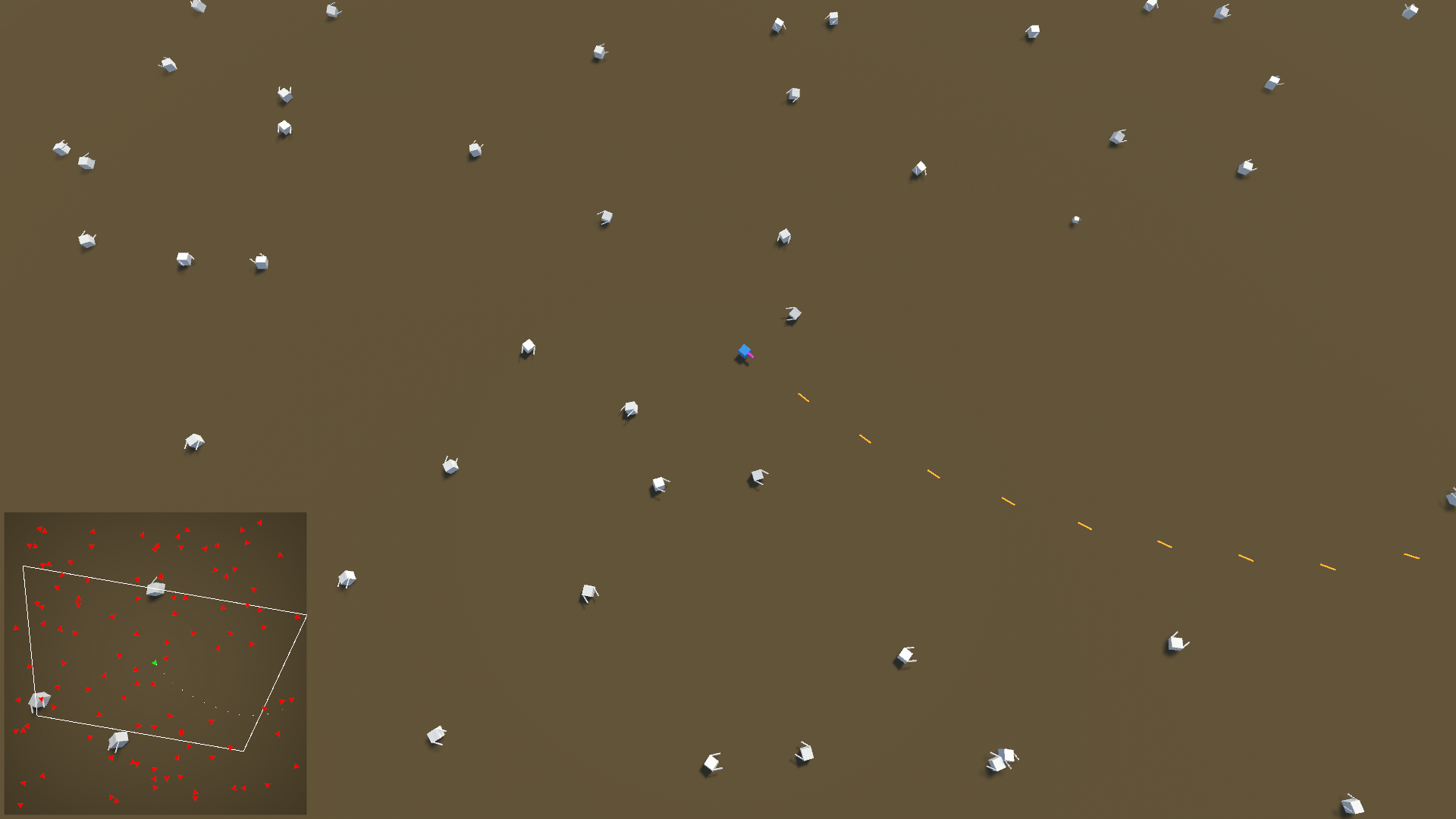
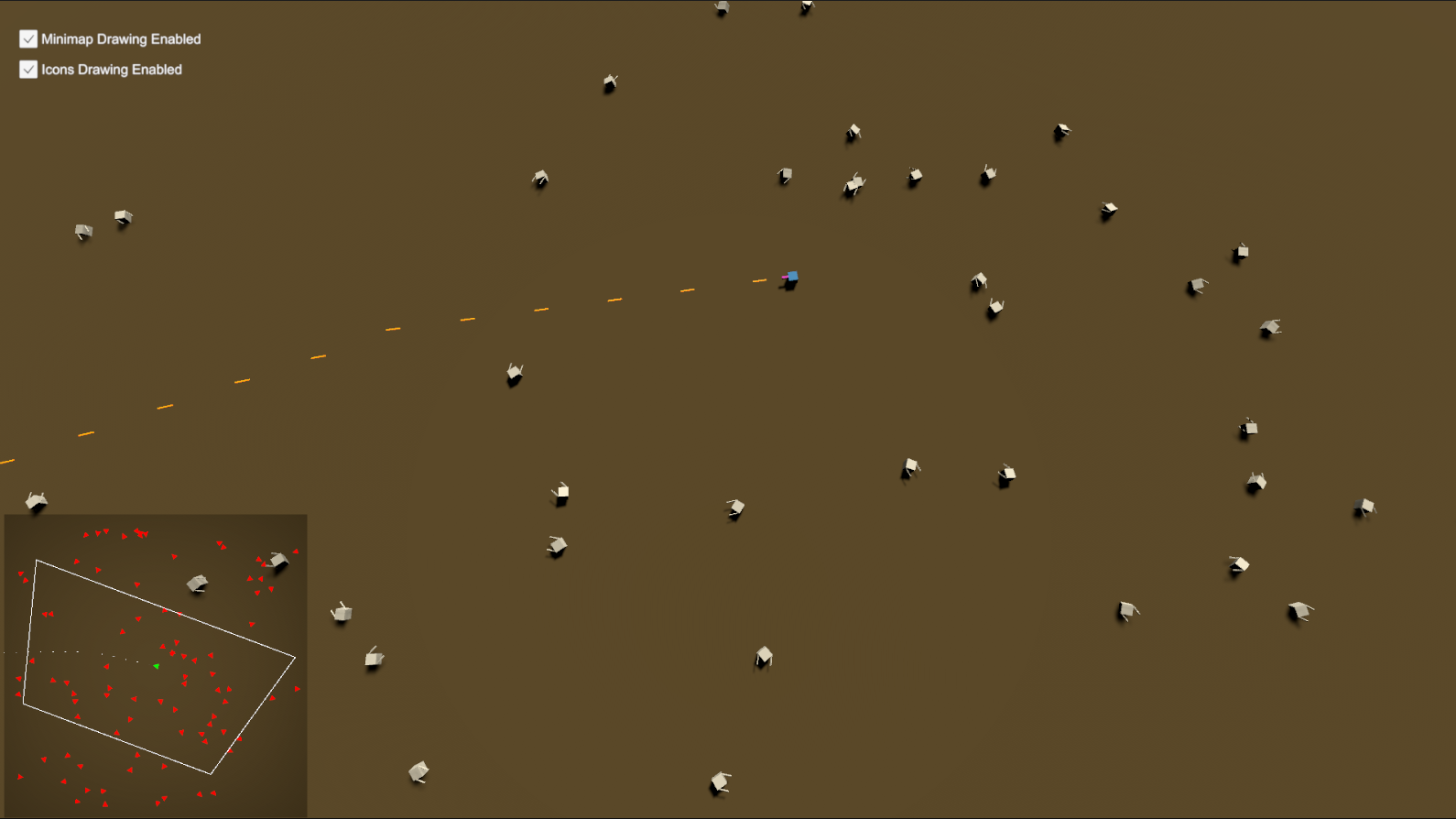
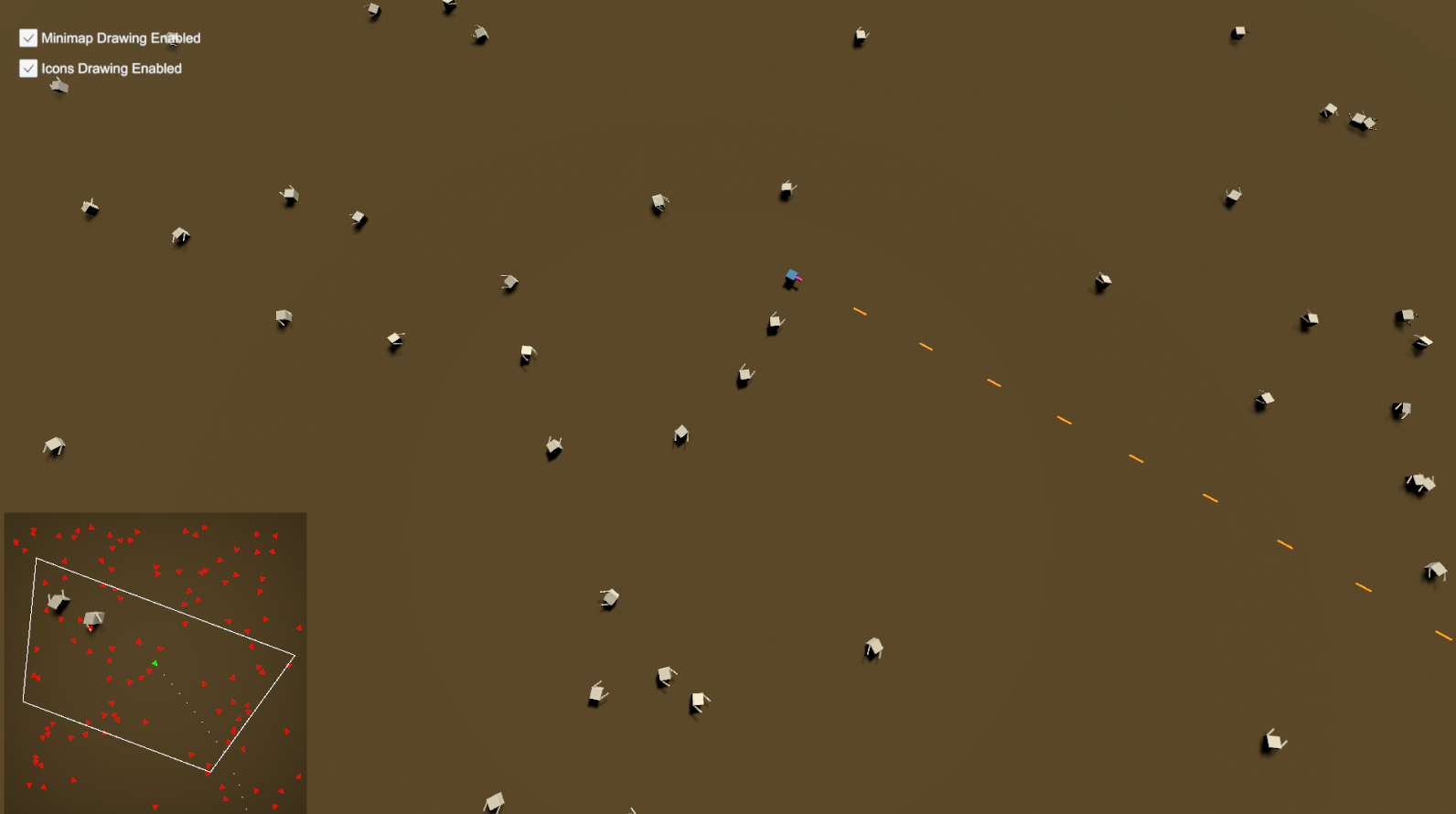
What it does. Any unit or object registered with the minimap is drawn with an icon that follows its position and rotation for as long as it exists. The map area can be tiny or kilometres across, and it does not have to be square: the world area and the canvas area are both defined on the Minimap prefab.
How colours and icons work. A Tracking Definitions list on the prefab maps Unity tags to colour schemes and default icon prefabs: friendly units green by the team_Friendly tag, enemies red by team_Enemy, projectiles white, whatever your game needs. Each registered object can override the icon while keeping the shared colour, so every vehicle type gets its own silhouette.
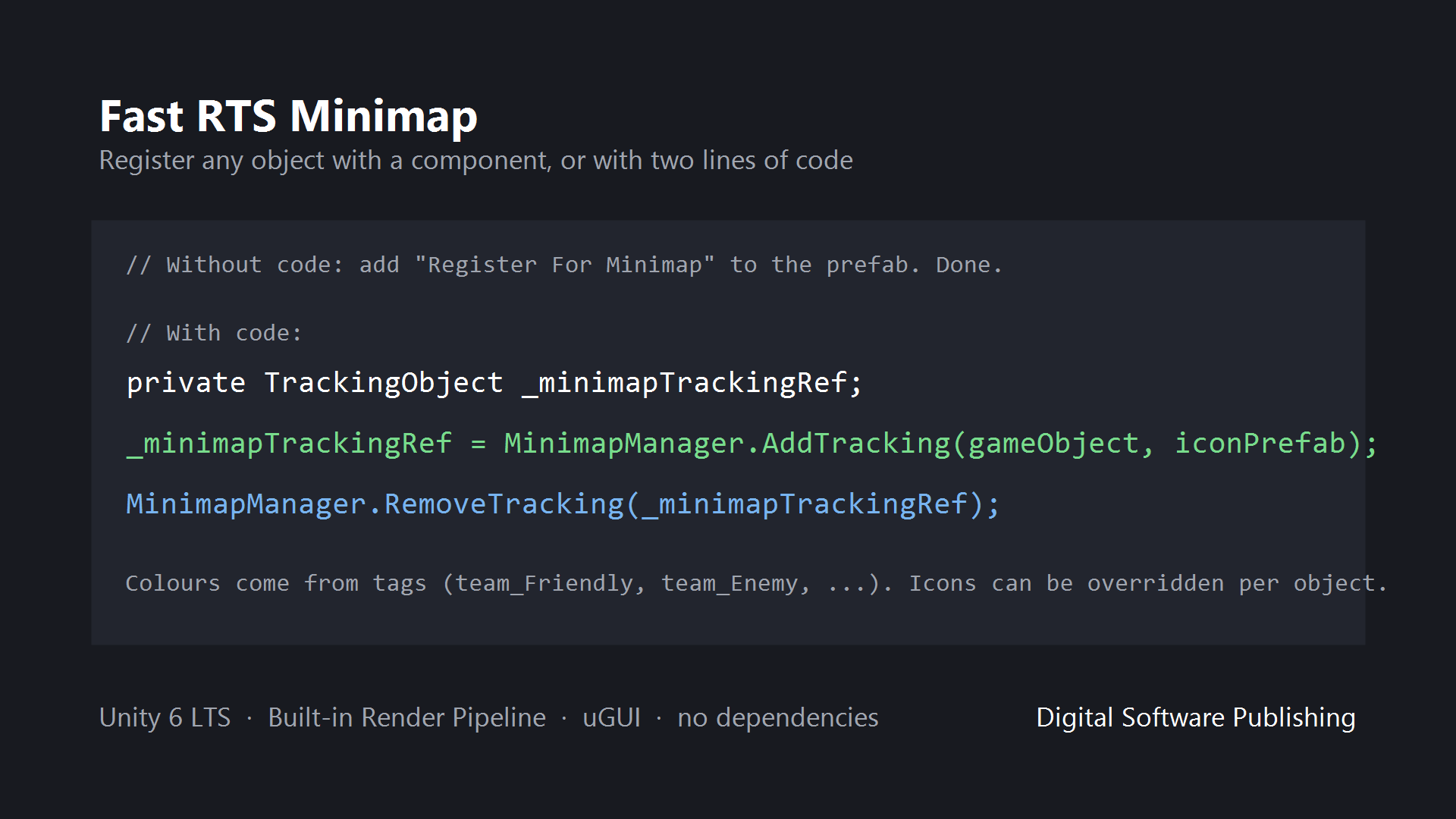
How objects are registered. Without code: add the Register For Minimap component to a prefab and it appears on the map while enabled and disappears when disabled. With code, two calls: MinimapManager.AddTracking(gameObject, iconPrefab) returns a tracking reference, and MinimapManager.RemoveTracking(reference) removes it.
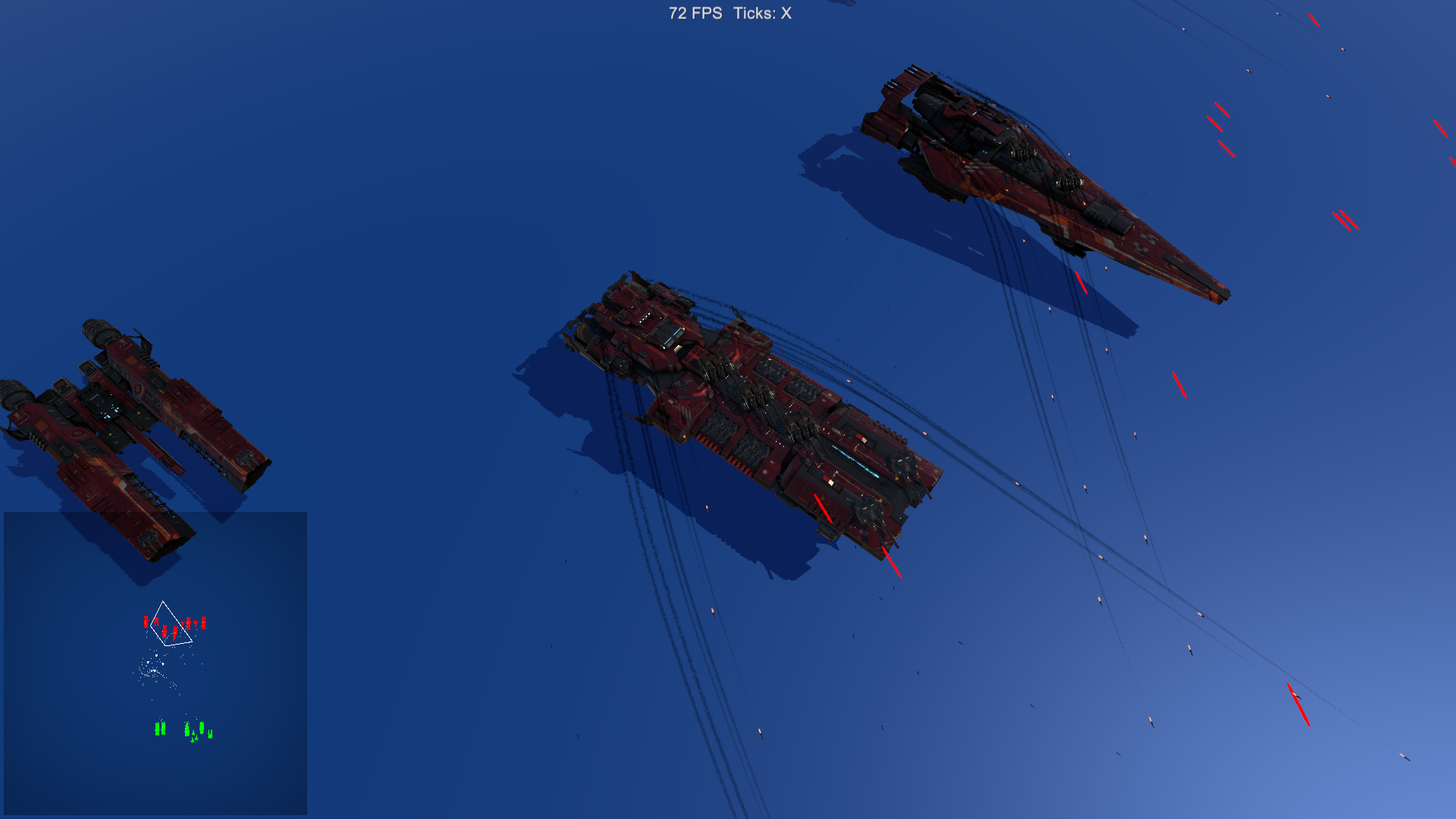
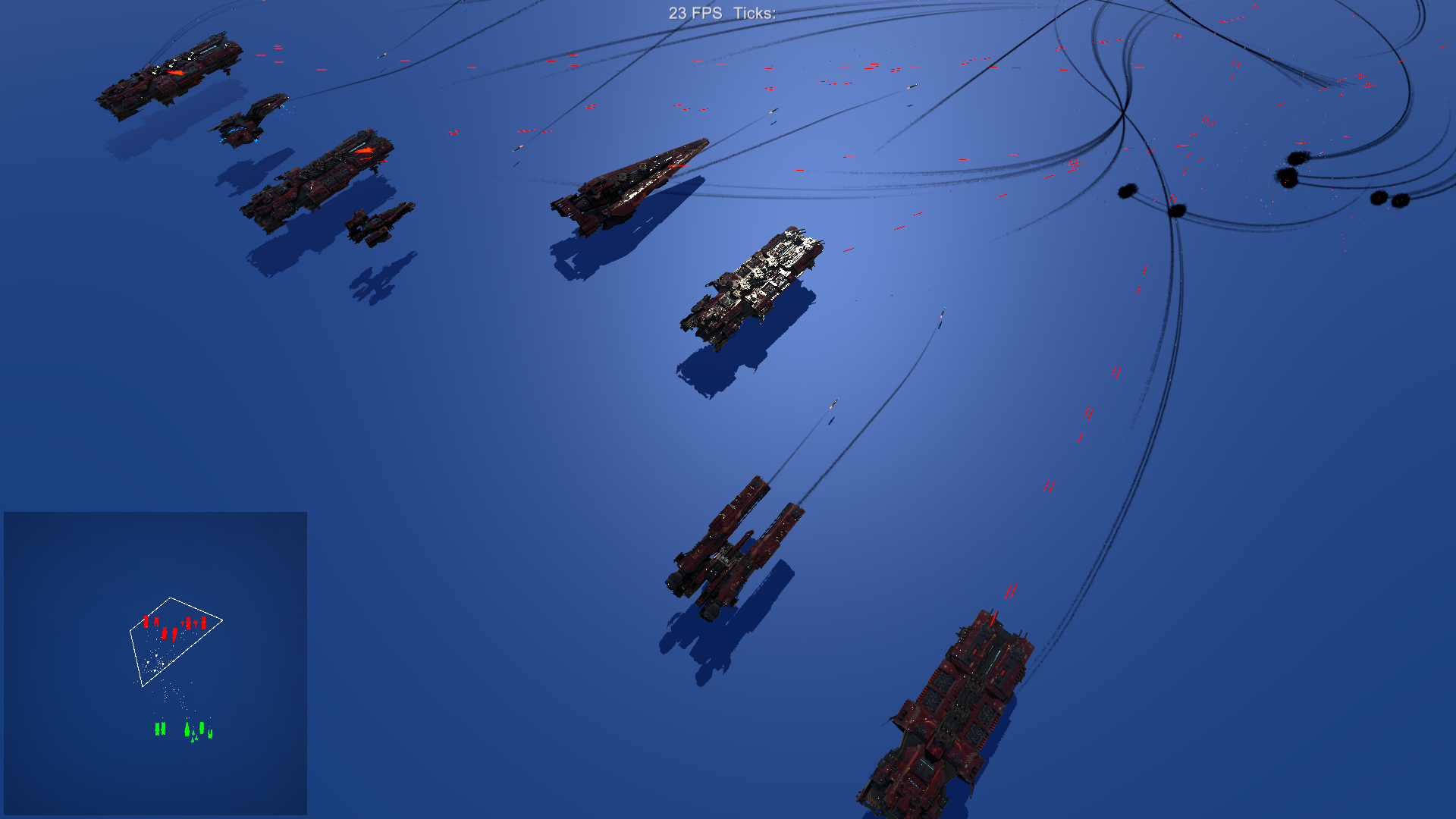
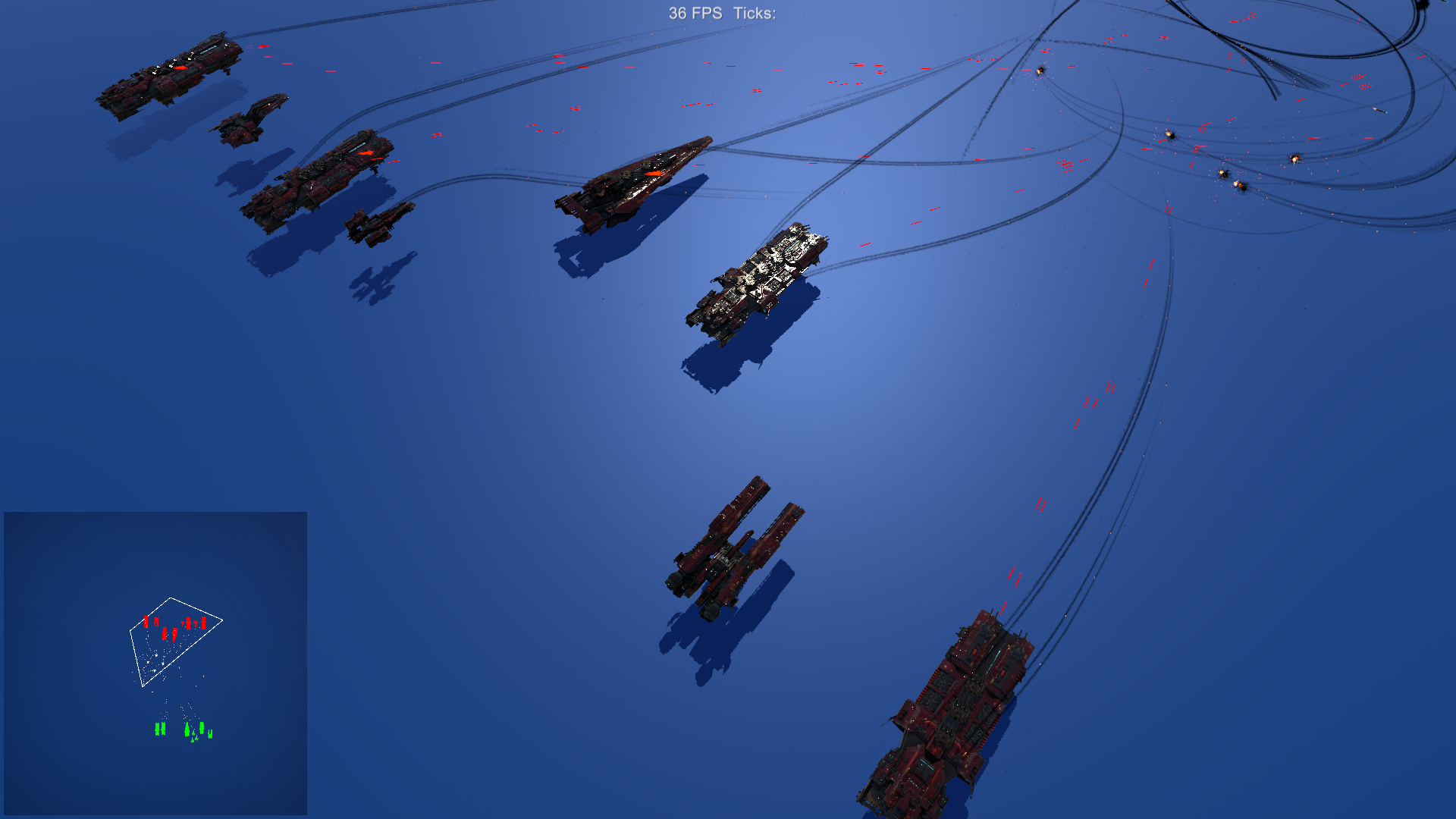
Performance. Written for an RTS, meaning hundreds of tracked units; the demo scene shows projectiles tracked live alongside units.
Built-in Render Pipeline. URP support is planned for a later version.
Key features
- Tracks position and rotation of any registered object, live
- Tag-based colour schemes; per-object icon override
- Any world size, any canvas size, rectangular areas supported
- Register with a drop-in component or two lines of code
- Designed for RTS unit counts
- Demo scene with player, enemies and tracked projectiles
- Documentation PDF included
Screenshots
Technical details
C# and uGUI canvas, Built-in Render Pipeline. Unity 6.3 LTS (6000.3) and newer. No external dependencies. 14 scripts, 932 lines, source included. Demo scene, icon prefabs and documentation PDF included.
| Built-in RP | URP | HDRP | Minimum Unity | Price |
|---|---|---|---|---|
| yes | no | no | 6000.3 | 14.99 USD |
Release notes
1.4 planned
- URP support: demo materials provided as URP-Demo-Materials.unitypackage; import it in URP projects.
- The minimap itself is uGUI and pipeline-independent.
- Static state is reset on entering Play mode with domain reload disabled (SubsystemRegistration).
- Documentation PDF refreshed (version 1.4, support links updated); this changelog added to the package.
1.3 2026-10
- Built and verified on Unity 6.3 LTS (6000.3). Minimum Unity version is now 6000.3.
- Project dependencies cleaned up (TextMesh Pro is no longer a separate package).
- No API changes. Existing integrations keep working.
1.2 2023-04
- Previous release on Unity 2020.3.
1.0 2022-11
- Initial release.
Documentation and support
- Documentation (PDF), the manual that ships inside the package
- Questions and bug reports: community forum or Discord
- E-mail: contact@digitalsoftware.se
- Asset Store listing
Other packages from Digital Software
- zCache
- Static State Auditor (coming soon)
- Static State Auditor Pro (coming soon)
- Ship It (coming soon)
- Dedicated Server Build Button (coming soon)
- Bug Capsule (coming soon)
- zFPS
- zFPS Pro
- zASCII
Page generated 2026-10-29 from the package's store copy and changelog (version 1.3).